
Move Your Recurring Gift to Planning Center Giving
Over the next few months, Cypress Creek Church will transition to a new platform, Planning Center Giving for online giving. If you currently have a recurring gift set up through Pushpay, you’ll need to cancel your existing schedule in Pushpay and create a new recurring gift through Planning Center Giving.
Step 1: Cancel your recurring gift in PushPay
- Log in to your Pushpay account using the email address or phone number associated with your giving profile.
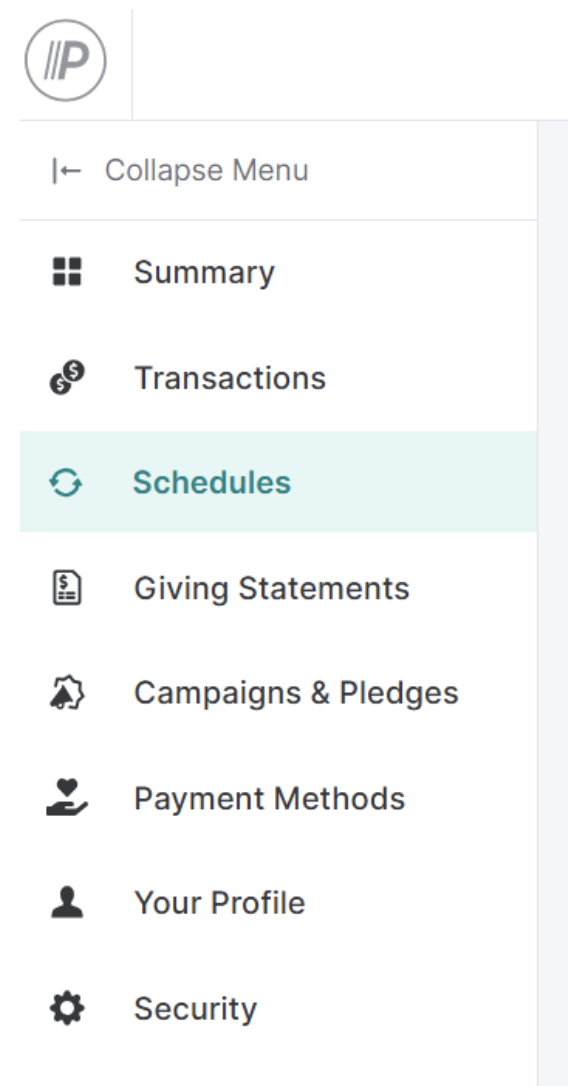
- From the left-hand menu, select Schedules.
- Select/tap any active schedule, click the Actions drop-down menu and select Cancel Schedule.
Important: Canceling your recurring gift in Pushpay will not affect gifts that have already been processed. It only stops future scheduled gifts.
Step 2: Set up your recurring gift in Planning Center Giving
- Go to Cypress Creek Church’s Giving page.
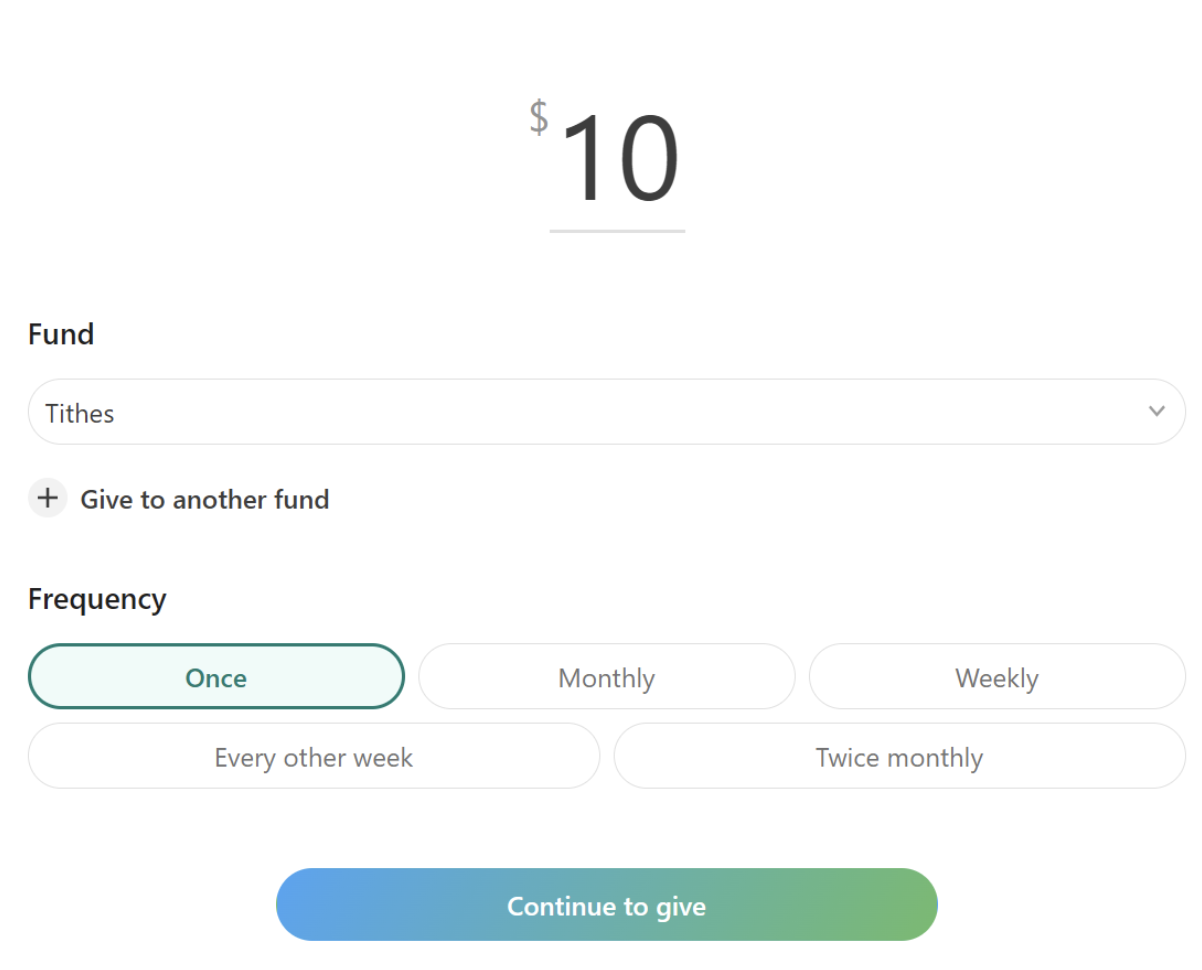
- Enter the details of your gift – amount, fund, frequency and schedule.
- Click “Continue to Give” and log in using your phone number.
- Enter your payment method.
- Review your gift details and select Give to complete the setup.
Once completed, your recurring gift will be established through Planning Center Giving, and future gifts will be processed according to the schedule you selected.
You can edit or update your recurring gift anytime by logging in to your Planning Center profile and navigating to My giving.
Questions? Reach out to giving@cypresscreekchurch.com or leave a message at 512-847-1222 for personal assistance with the migration.